

Payment Approval
Payments created via Victor API
Payments created via the Victor API require no approval via the Victor UI by a user.
Payments created via Victor UI
Instant Payments, Wires, and ACH payments created by a Victor user using the Victor UI are created in a Pending Approval status and will not process until a second user with appropriate user privileges (Admin or Approver) approves the transaction. A full list of user permisions may be found here.
Once a payment has been created via the Victor UI a second Admin or Approver user must log into the Victor UI navigate to Pending Approval within the Transactions sub group and select the payment they with to approved.
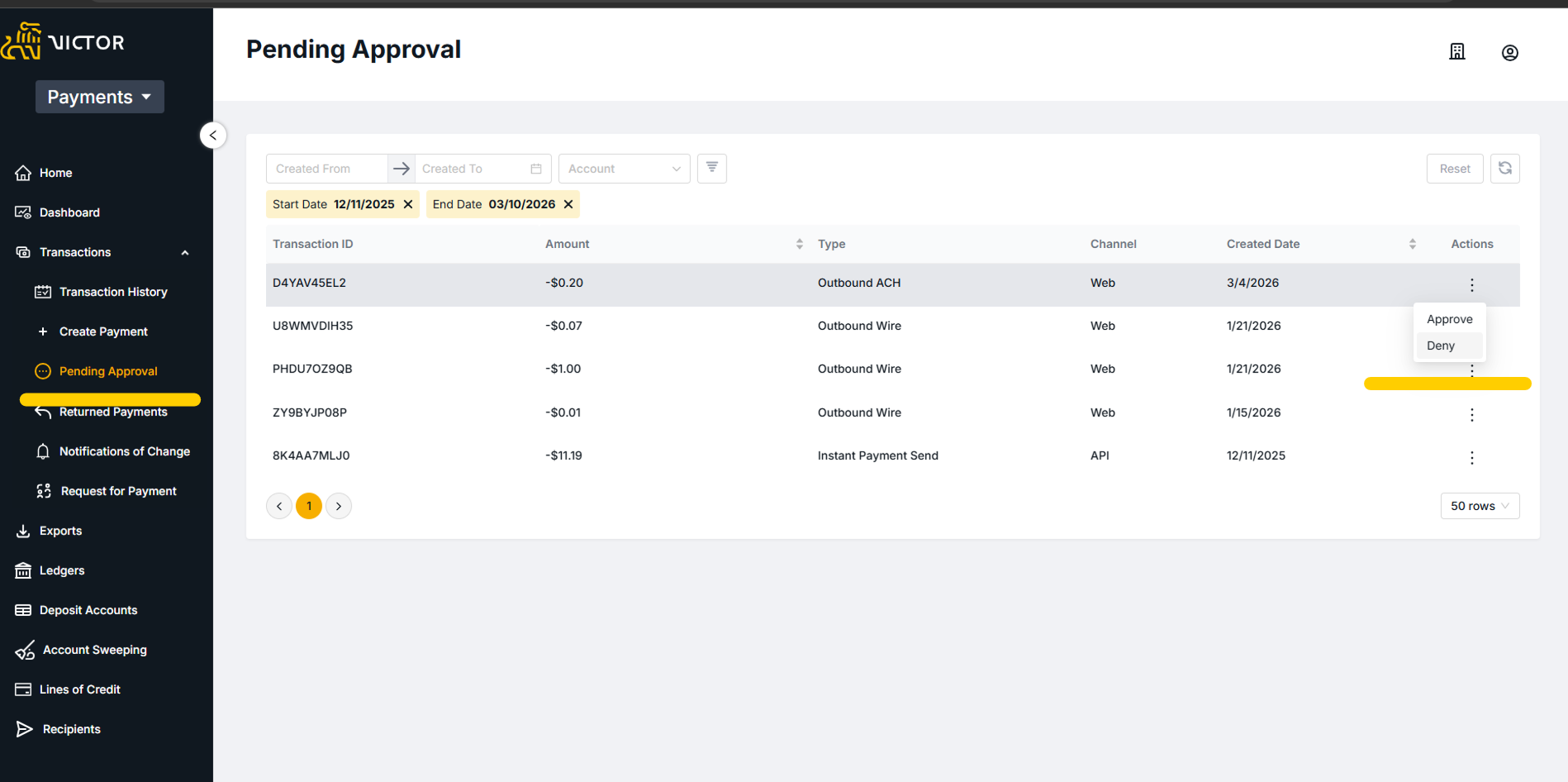
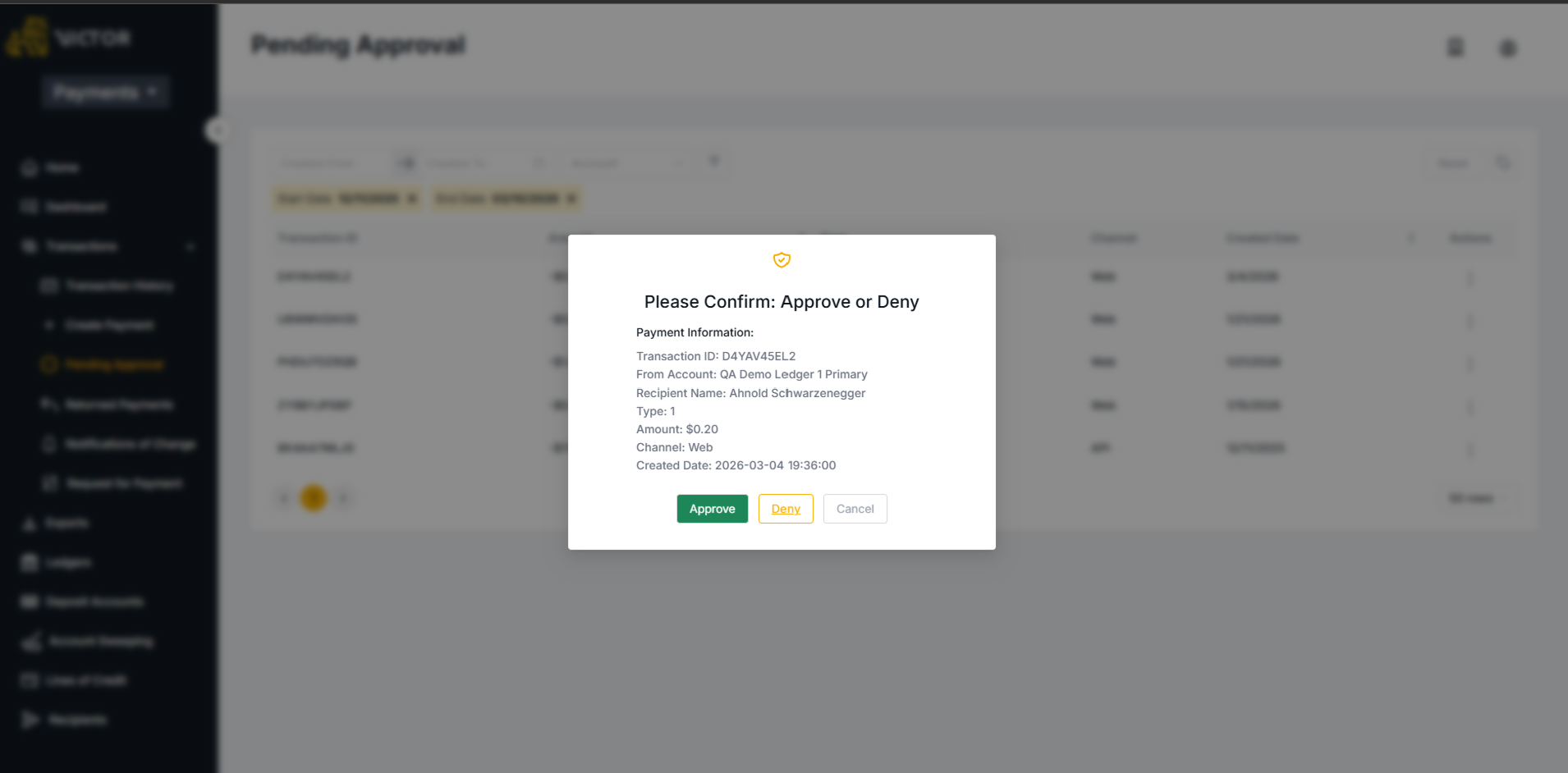
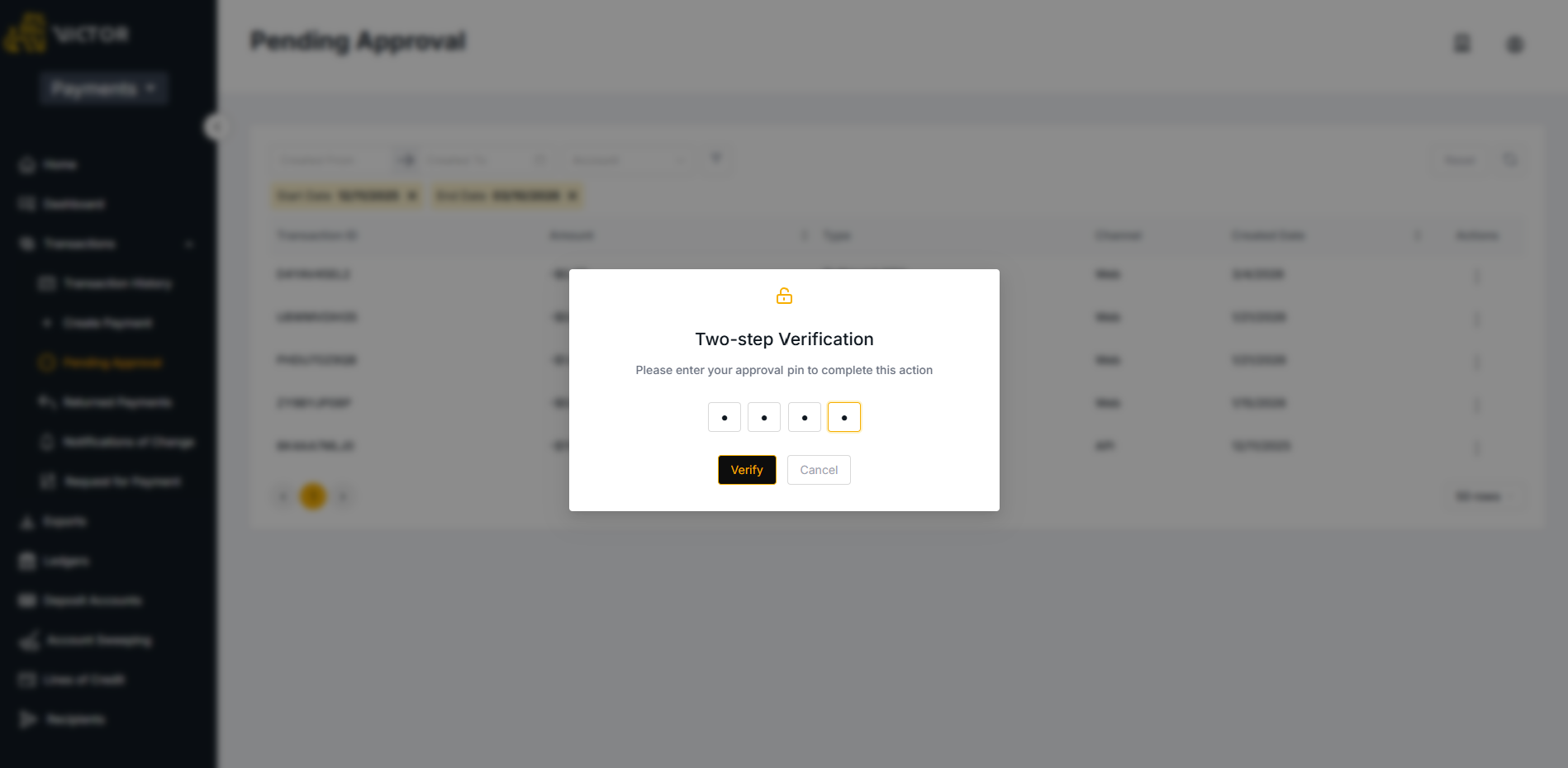
Once approved and verified by a user's PIN, the transaction will enter a Pending status and will continue through the normal life cycle of the given transaction type. If the transaction is Denied it will enter a terminal status of Declined and no payment will be made.
Updated 6 months ago